
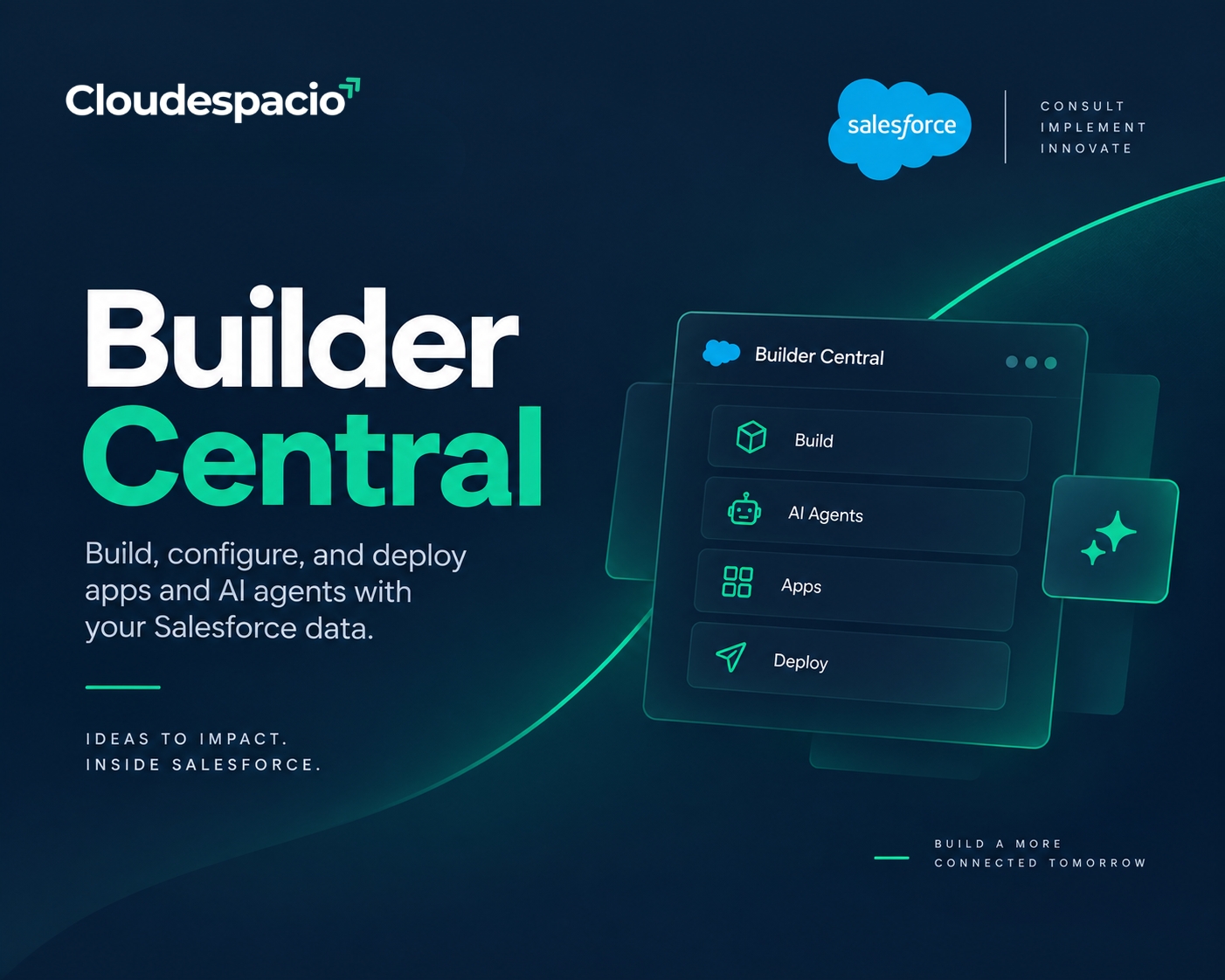
Quick answer: Builder Central is a new Salesforce workspace, announced September 14, 2026, that lets admins and business users build apps and AI agents using plain, everyday language, manage environments from one hub, and deploy safely, all natively grounded in a company’s own Salesforce data. The Builder Central beta opens the week of September 21, 2026.
Builder Central bridges the gap between speed and security, giving admins and business users a faster path from concept to production, and unites the experience of creating and configuring across Salesforce into one workspace. Rather than jumping between separate setup screens, sandboxes, and builder tools, Builder Central puts environment management, app and agent creation, and deployment in a single place.
Salesforce introduced Builder Central on September 14, 2026, in a post from Neal Mhaskar, Senior Product Marketing Manager at Salesforce, who described it as the platform’s answer to teams that are stalled by slow, siloed development work.
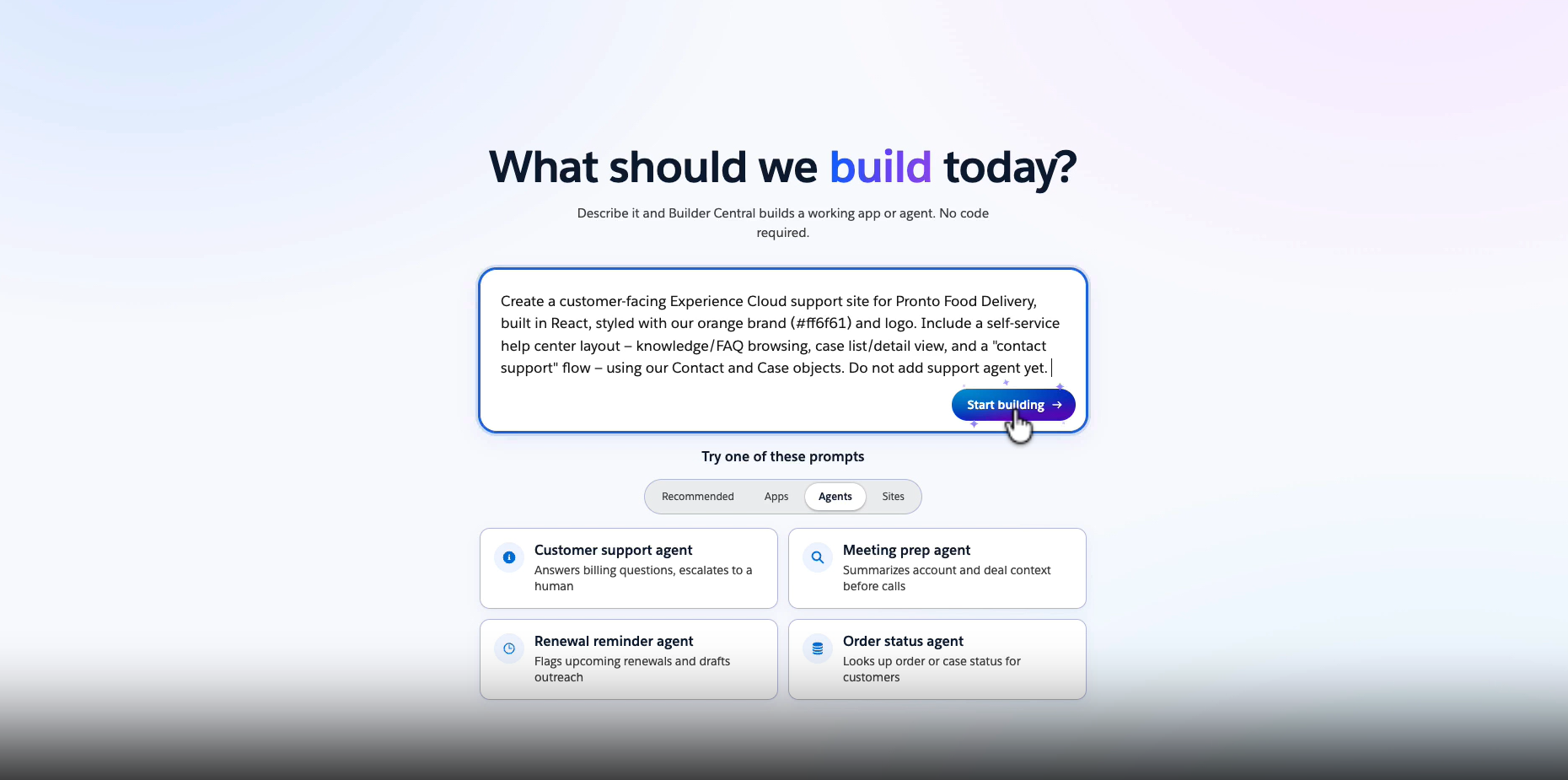
The reasoning behind Builder Central starts with a gap Salesforce says most IT departments are already feeling. Salesforce points to research showing 88% of IT leaders feel they cannot meet the current demand for solutions safely. Teams under that pressure often reach for standalone AI building tools instead, and Salesforce argues that trade-off carries real risk: pushing sensitive company data into external tools invites shadow IT problems, and generic AI models have no real understanding of a company’s specific business context, so builders end up gluing things together with brittle manual integrations and one-off security configuration.
Builder Central was built to remove that trade-off. The pitch is straightforward: build at the speed people now expect from AI tools, without stepping outside the security boundary a company already trusts.
From a single workspace, Builder Central helps teams manage and control their environments from one hub, configuring both testing and live environments, activating features, enforcing security best practices, and cleaning up orgs. That alone solves a common headache for Salesforce admins juggling multiple sandboxes and production orgs.
Beyond environment management, Builder Central covers two more core jobs:
Put together, that’s the core loop Builder Central is designed around: describe what you need, get a working build grounded in your actual data, test it, and ship it, all without leaving Salesforce’s trust boundary.
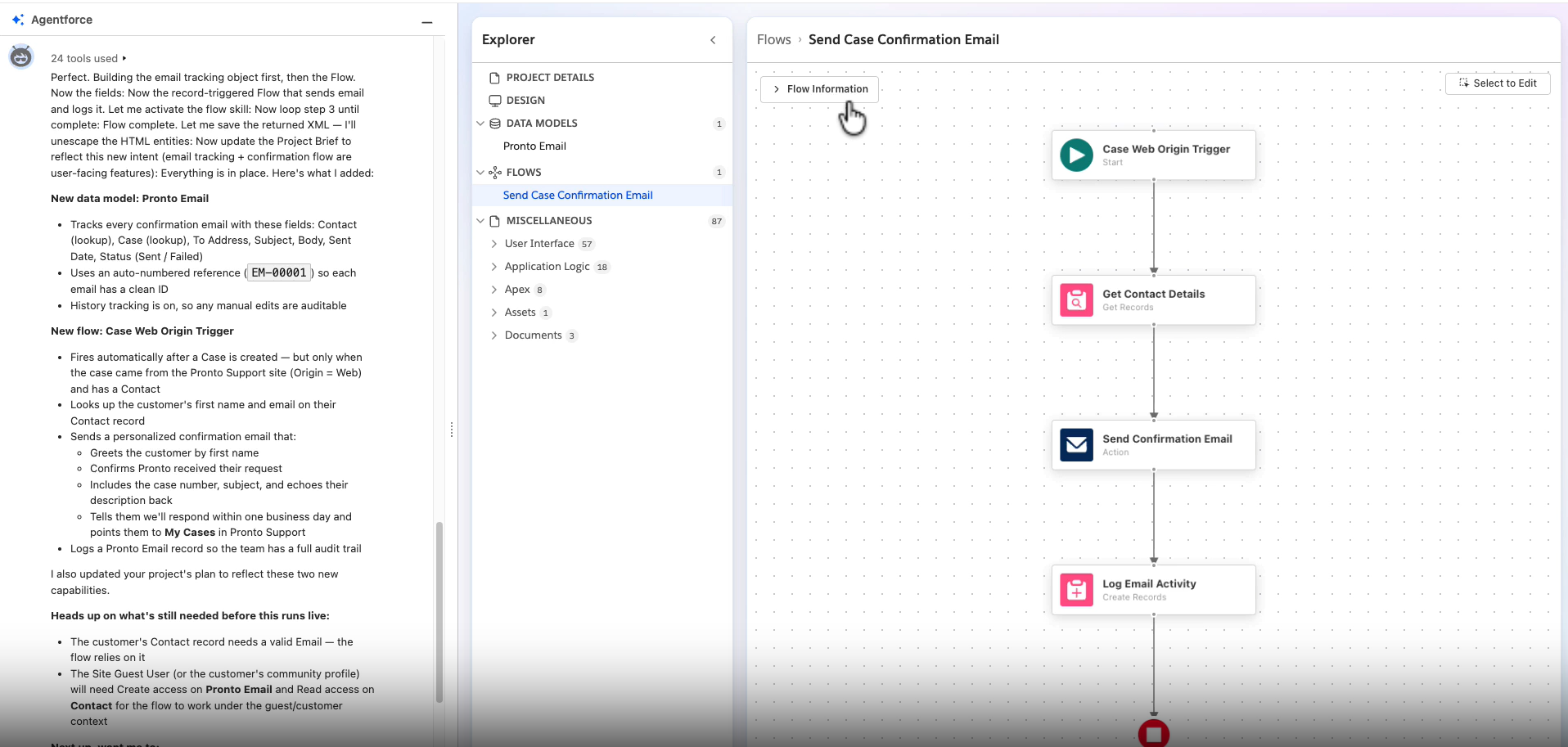
Builder Central is powered by the Headless Toolkit, which means every app and agent built with it natively understands the business it’s built for, unlike third-party builder tools that lack business context and require manual integrations to reach a company’s data. That single design choice shapes most of what makes Builder Central different from a generic AI app builder.
Three capabilities come directly from that foundation:
Contextual grounding. Where standalone builder tools require manually exporting schemas and explaining business logic, Builder Central natively reads a company’s own metadata and Data 360 context, so every build fits how the business already works.
Automatic safety checks. Builder Central automatically spots errors, enforces governance rules, and lets teams test a build interactively before it ever gets deployed.
Built-in trust and security. Apps and agents built in Builder Central automatically inherit existing user permissions and org configuration, and company data never leaves the business.
If you read our earlier post on Salesforce AIforce, this part will look familiar. Both AIforce and Builder Central are built on the same Headless Toolkit architecture, the layer that exposes Salesforce’s data, permissions, and logic to be used well beyond the standard Lightning interface.
The distinction between the two is one of purpose. Salesforce AIforce is about reaching Salesforce data from outside Salesforce, through Claude, Slack, and similar tools. Builder Central is about building inside that same trusted boundary, giving admins and business users a no-code way to create the apps and agents that AIforce and Agentforce later put to work. Think of Builder Central as where things get built, and Salesforce AIforce as where they get used.
The Builder Central beta launches the week of September 21, 2026, and lets users create apps and agents, visualize metadata, and deploy into a sandbox with one click. Salesforce has said it will keep adding building and deployment capabilities, along with features from Setup with Agentforce, as Builder Central moves toward general availability.
Salesforce has also scheduled a webinar for October 22, 2026, covering how Setup with Agentforce and Builder Central are changing configuration and building into a more conversational, automated process, which is worth attending if your team is planning an early rollout.

Cloudespacio is a trusted Salesforce implementation partner headquartered in India, helping businesses transform sales, service, manufacturing, automotive, and customer operations with Salesforce.
Copyright © 2026 Cloudespacio Software Pvt. Ltd. All Rights Reserved.
