
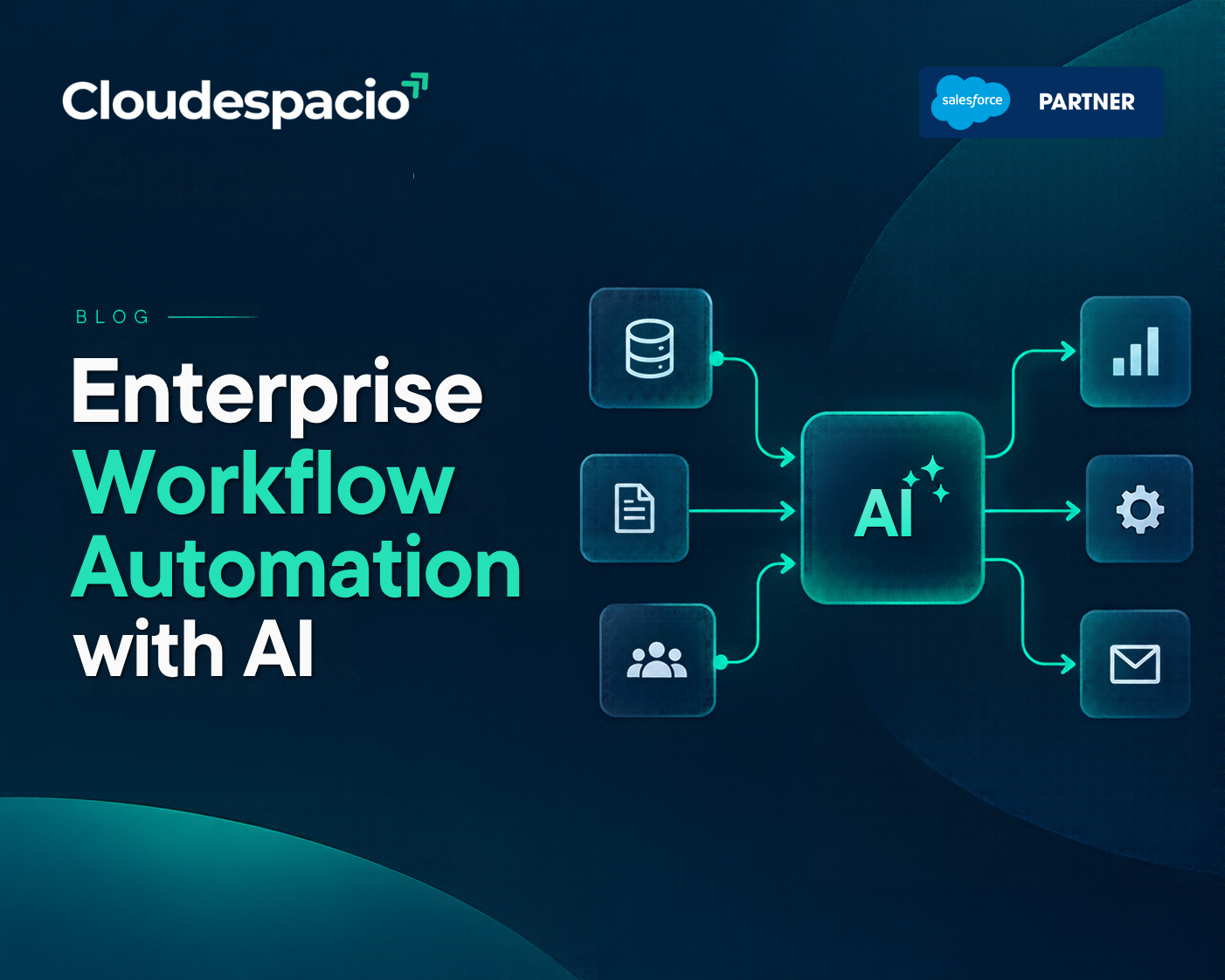
Most enterprises do not have a technology problem. They have a workflow problem. Orders wait in inboxes, approvals stall for days, supplier updates go unrecorded, and finance teams spend the end of every month reconciling spreadsheets. Enterprise workflow automation with AI is changing how companies deal with these bottlenecks by turning manual handoffs into governed, end-to-end processes that run around the clock.
This guide explains what enterprise workflow automation with AI means, where operational workflows break down, and practical ways to optimize them. Toward the end, we look at how a ready-to-deploy AI agent can take on this work inside Salesforce.
Enterprise workflow automation with AI is the use of artificial intelligence and AI agents to run multi-step business processes across systems, teams, and departments with minimal manual effort. Traditional rule-based automation follows fixed scripts. AI-driven automation can read unstructured documents, make decisions within defined rules, handle exceptions, and loop in people only when judgment is needed.
In simple terms, traditional automation moves data from one place to another. Enterprise workflow automation with AI moves work forward.
Before investing in enterprise workflow automation with AI, it helps to understand where operational friction comes from. Most bottlenecks fall into five patterns:
The pressure is growing. Industry surveys cited by Dataiku found that 78% of supply chain leaders expect disruptions to intensify over the next two years, yet only 25% feel prepared. A Descartes study reported that 76% of supply chain operations are substantially affected by labor shortages. Adding headcount is no longer a reliable fix, which is why enterprise workflow automation with AI has moved from experiment to priority.
You cannot automate what you have not documented. Map each high-volume workflow end to end: who triggers it, which systems it touches, where approvals happen, and where delays occur. This map is the foundation for enterprise workflow automation with AI, because agents perform best when the process, rules, and exceptions are clearly defined.
The fastest wins come from repetitive processes with clear rules, such as purchase order creation, invoice matching, order status updates, and supplier follow-ups. Score each process by volume, time spent, and error rate. These are the areas where enterprise workflow automation with AI usually pays back fastest.
Manual data entry between ERP, CRM, and supplier portals is one of the largest sources of errors. Enterprise workflow automation with AI works best when agents can act across the applications your teams already use, which reduces copy-and-paste work and keeps a single source of truth.
Many automation projects disappoint because they only handle standard cases. The real delays sit in exceptions: a late shipment, a price mismatch, a missing document. Effective enterprise workflow automation with AI detects the exception, takes the first action, and documents every step, escalating to a person only when needed.
Back-office work involves money, compliance, and contracts. Every automated action should follow your business rules and permissions and leave a complete audit record. Recent industry research on workflow automation makes a similar point, describing governance as an enabler of innovation rather than a brake on it. Any enterprise workflow automation with AI program without this foundation will struggle to earn trust.
Automation should free people for decisions, not remove them entirely. Good enterprise workflow automation with AI lets routine steps run automatically while approvals, negotiations, and unusual cases reach the right owner with full context.
Track cycle time, manual touches per transaction, error rates, and on-time completion. Review the data monthly and refine rules as your business changes. Enterprise workflow automation with AI is not a one-time project. It is an operating discipline.
| Capability | Traditional Rule-Based Automation | AI-Powered Workflow Automation |
|---|---|---|
| Inputs | Structured data only | Structured and unstructured data, including emails and PDFs |
| Exceptions | Stops or fails when unexpected issues occur | Detects issues, takes appropriate action, or escalates with context |
| Setup | Scripts, bots, and custom APIs | Workflows designed using plain-language instructions and process definitions |
| Maintenance | Often needs manual updates when rules or interfaces change | Can adapt within configured permissions and guardrails |
| Oversight | Basic logs and monitoring | Traceable actions, audit logs, and configurable human oversight |
Back-office and supply chain operations are among the strongest use cases because they are high-volume, rules-heavy, and expensive to get wrong:
Adoption of enterprise workflow automation with AI is accelerating, especially in supply chains. Industry analysts predict that by 2030, 60% of enterprises using supply chain management software will have adopted agentic AI features, up from 5% in 2025.
Every strategy above can be built step by step. Many companies, however, would rather start with an agent that already understands back-office work. That is the idea behind Agentforce Marshall, the supply chain and back-office operations agent that Salesforce introduced in September 2026 as part of its portfolio of job-ready agents.
Instead of building an agent from scratch, businesses can deploy Marshall as a ready-to-deploy agent and apply enterprise workflow automation with AI to back-office operations inside the Salesforce ecosystem.
These capabilities map directly to the principles of enterprise workflow automation with AI covered above:
Here are a few examples of how enterprise workflow automation with AI can work in practice with Marshall:
Not every capability will suit every organization, and Salesforce has not published per-agent pricing, so the right starting point for enterprise workflow automation with AI depends on your processes, data, and existing Salesforce setup.

Cloudespacio is a trusted Salesforce implementation partner headquartered in India, helping businesses transform sales, service, manufacturing, automotive, and customer operations with Salesforce.
Copyright © 2026 Cloudespacio Software Pvt. Ltd. All Rights Reserved.
