
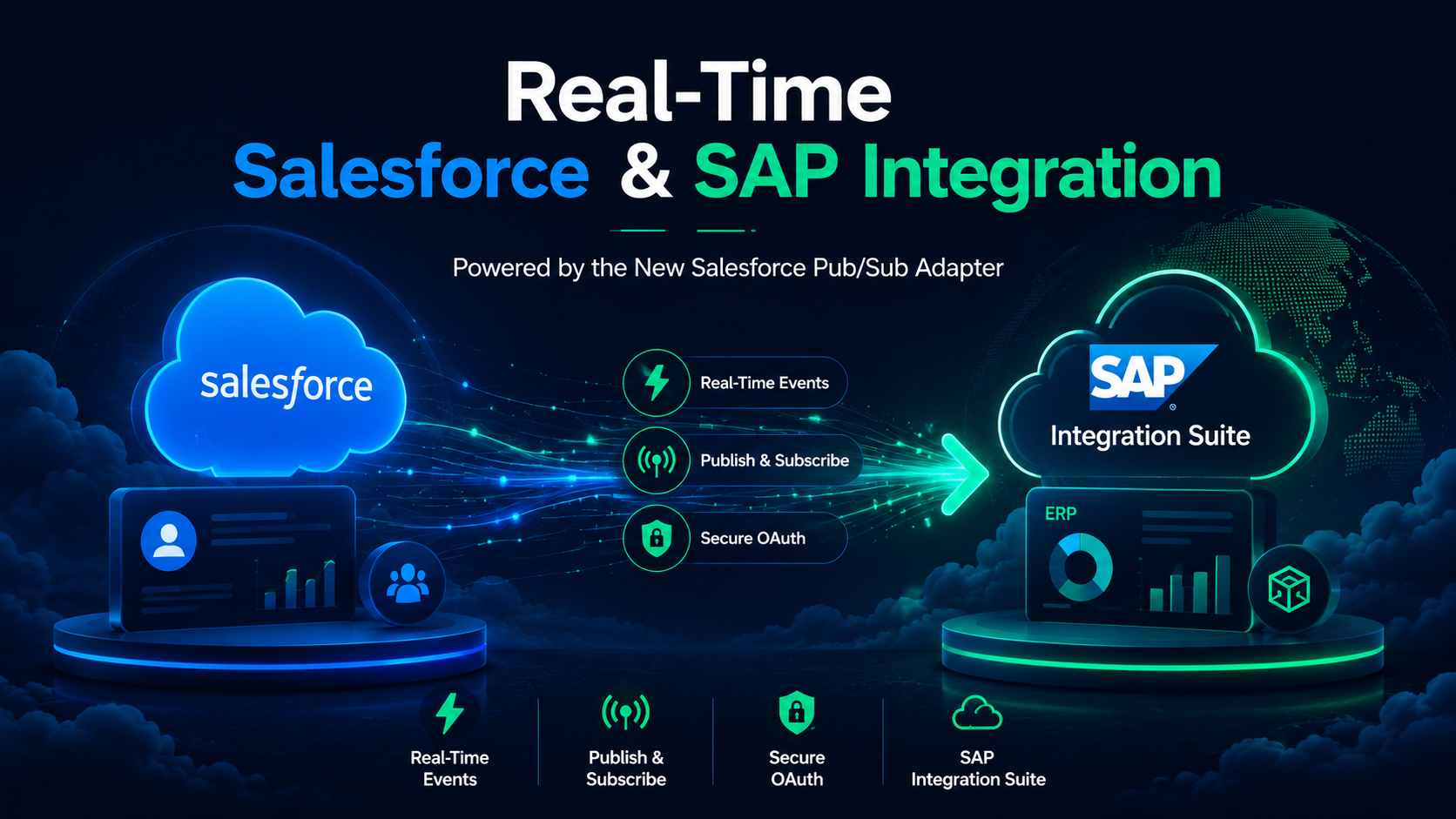
Quick answer: The Salesforce Pub/Sub Adapter for SAP Integration Suite is a standard, ready-to-use connector that lets SAP Integration Suite publish and subscribe to Salesforce events in real time over a modern, high-performance gRPC channel. In plain terms, it lets Salesforce and SAP talk to each other the moment something happens, whether that is a new order, an updated account, or a service case, instead of waiting on scheduled batch jobs. It ships with enterprise-grade OAuth 2.0 security and event-replay reliability, and it works across Apache Camel 2, Apache Camel 3, and the Edge Integration Cell runtime.
If your organization runs both Salesforce and SAP, this release closes one of the most common gaps in the enterprise stack: keeping your CRM and your back-office systems in sync, instantly. Below, we break the update down twice. First for business and operations leaders, then for the technical teams who will actually build with it.
For years, connecting Salesforce to SAP meant stitching together polling jobs, middleware workarounds, or the older CometD-based Streaming API. Those approaches worked, but they were slow to set up, fragile to maintain, and rarely real-time.
Salesforce’s Pub/Sub API changed the foundation. It is built on gRPC and HTTP/2, delivers compact binary event messages in Apache Avro format, and is the streaming path Salesforce is now actively investing in. It is a single interface for three jobs that used to require separate APIs: publishing events, subscribing to events, and retrieving event schemas.
The new adapter brings that modern foundation directly into SAP Integration Suite as a native, supported component. There is no custom gRPC client to hand-build and no bespoke authentication plumbing. You configure it, deploy it, and your integration flows can react to Salesforce events as they happen.
This section is written for decision-makers who care less about protocols and more about outcomes: faster operations, fewer errors, lower integration cost, and a better customer experience.
The business problem this solves
Most companies running Salesforce and SAP have the same quiet inefficiency. The two systems hold overlapping data, but they update on different schedules. A sale closes in Salesforce, but the order does not reach SAP until the nightly sync. Inventory changes in SAP, but sales reps do not see it until the next morning. Customers feel the lag, finance reconciles by hand, and your teams build manual workarounds to bridge the gap.
Real-time, event-driven integration removes that lag. The moment a record changes in Salesforce, the relevant system downstream knows about it and can act.
What you can actually do with it
Here are practical scenarios this adapter unlocks, mapped to business value rather than technical features:
The bottom-line benefits
What to consider before you commit
A few honest planning points worth raising with your team:
For business leaders, the takeaway is simple. If Salesforce and SAP both run your business, this adapter is the most direct, lowest-friction way yet to make them work in real time, and the project is usually measured in weeks, not quarters, with the right partner.
This section goes under the hood: architecture, authentication, configuration, replay strategy, and the operational details that matter when you are actually building.
How the adapter works: sender vs. receiver
The adapter operates in two distinct roles, and understanding the direction of initiation is the key mental model.
The sender adapter is used to subscribe to a Salesforce channel and consume events. Here, Salesforce is the initiator. Events arrive and flow into your integration process, for example into a Content Modifier and onward. This is your inbound, event-listening pattern.
The receiver adapter is used to publish events to a Salesforce channel and to retrieve event schemas. Here, SAP Integration Suite is the initiator, typically driven by a timer or an upstream step, then making an outbound call (commonly via a Request-Reply step) to Salesforce.
A single integration package can use both roles depending on whether you are reacting to Salesforce or pushing into it.
Connection essentials
The connection is established toward the Salesforce Pub/Sub gRPC endpoint. The defaults you will work with:
Because the transport is gRPC over HTTP/2, this is not a typical REST call. It is a persistent, binary, bidirectional channel, which is exactly what makes it fast and efficient.
Authentication: three OAuth 2.0 options
The adapter supports three mechanisms, all leaning on SAP Cloud Integration’s security artifacts (User Credentials, Secure Parameters, and the Keystore) so secrets never live in your flow logic. Choose based on your security posture and operational model.
A practical tip: match every alias name in the adapter to the exact name of the deployed security artifact in SAP’s secure stores. Mismatched aliases are the single most common cause of authentication failures here.
Setting up JWT Bearer (the short version)
For the JWT flow you will create a connected app in Salesforce with OAuth enabled and digital signatures turned on, then generate a key pair and certificate. The typical OpenSSL sequence:
On the Salesforce side, set the connected app’s OAuth policy so permitted users are admin-approved and pre-authorized, and assign the appropriate profile (for example, System Administrator) or permission set.
Subscribing: replay strategy is everything
When you subscribe, the Replay ID approach decides where in the event stream you start. This is the most important reliability decision you will make, so choose deliberately:
A few more processing settings deserve attention:
One performance note for the sender: keep your integration flow’s execution time short. If downstream processing is heavy, decouple it, for example by handing off to an asynchronous step, so you do not hold up the event stream.
Publishing and schema retrieval
The receiver adapter exposes two operations.
Get Schema retrieves the Avro schema for a channel. Because schemas are immutable per schema ID and only change when you alter the event definition, the smart pattern is to fetch a schema once and cache it. Calling Get Schema on every event is a common, avoidable performance drain.
Publish sends events to a channel. You specify the case-sensitive channel name and provide a payload that matches the event’s schema (typed fields, including the familiar Avro union shape such as {“string”: “value”} for nullable fields). Channel names are case-sensitive throughout the adapter, which is a frequent source of silent failures, so double-check them.
A pragmatic build checklist
It is a standard connector that lets SAP Integration Suite subscribe to and publish Salesforce events in real time over Salesforce's gRPC-based Pub/Sub API, enabling event-driven integration between Salesforce and SAP without custom code.
The Pub/Sub API is built on gRPC and HTTP/2 with compact binary Avro payloads, it is a single interface for publish, subscribe, and schema retrieval, and it is the streaming path Salesforce is actively investing in. That makes it faster and more efficient than the older CometD-based approach.
It is positioned as part of the standard SAP Integration Suite entitlement, but confirm your specific tenant licensing and runtime profile before scoping a project, since entitlements vary by agreement.
For unattended, production server-to-server integrations, OAuth 2.0 JWT Bearer is generally the strongest choice. Username-Password is easiest to set up for testing, and Client Credentials is a clean modern option where your org supports it.

Cloudespacio is a trusted Salesforce implementation partner headquartered in India, helping businesses transform sales, service, manufacturing, automotive, and customer operations with Salesforce.
Copyright © 2026 Cloudespacio Software Pvt. Ltd. All Rights Reserved.
