
The financial success of a modern business is no longer determined solely by how many deals the sales team closes. Instead, it is determined by how efficiently a company can manage the entire lifecycle of a transaction, from the initial quote to the final payment.
For too long, a “silo” has existed between the sales teams, who use CRM tools, and the finance teams, who use ERP systems.
Salesforce Revenue Cloud was built to shatter that silo. It is a comprehensive solution that unifies the “Front Office” and “Back Office,” providing a single source of truth for every dollar a company earns.
Today, we are moving away from one-time transactions and toward complex, relationship-based models like subscriptions and consumption-based pricing.
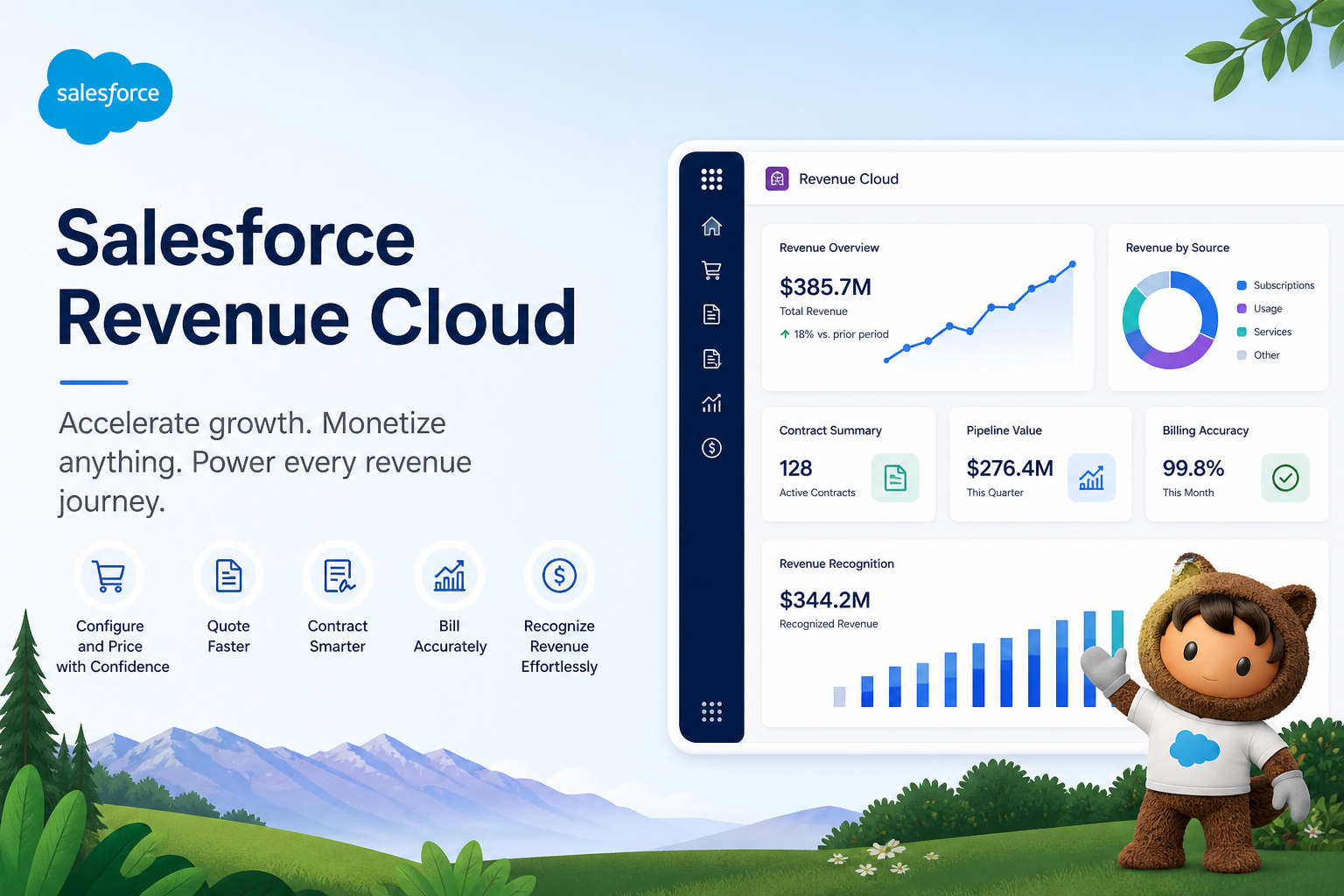
Salesforce Revenue Cloud is an integrated platform that brings together CPQ (Configure, Price, Quote), Billing, Subscription Management, and Partner Commerce into a single environment. It allows companies to move faster, reduce manual errors, & provide the best buying experience for their customers.
Revenue Cloud is about connectivity. It is designed to ensure that the promise made by a sales rep in a quote is the exact same promise that shows up on the customer’s invoice.
alesforce Revenue Cloud is a suite of tools that automates the entire Quote-to-Cash (Q2C) process. The core concept is “Unified Revenue.”
By keeping sales, partner, and finance data on a single platform, the system ensures that every department is looking at the same customer data.
It eliminates the “data friction” that typically occurs when a deal moves from a sales contract to a financial ledger.
The rise of the “Subscription Economy” has made revenue management significantly more complex. When a customer buys a software subscription, the transaction does not end at the point of sale; it involves monthly renewals, mid-term upgrades, and usage-based adjustments.
Effective revenue management is now a competitive necessity because:
Before the advent of Revenue Cloud, Salesforce was primarily a tool for tracking leads and opportunities. Finance teams lived in separate, rigid ERP systems, and the “hand-off” between Sales and Finance was often handled via messy Excel spreadsheets. This evolution can be seen through these stages:
To understand Revenue Cloud simply, think of it as the “Engine of Growth.” If Sales Cloud is the steering wheel that directs the company toward new leads, Revenue Cloud is the engine that converts those leads into actual, recognized cash in the bank. It simplifies the business process by ensuring three things:
Revenue Cloud is not a single tool; it is a modular system. Depending on the complexity of your business, you can utilize different components to handle specific parts of the revenue lifecycle.
These components are designed to work together to create a frictionless experience for both your employees and your customers.
CPQ is the most well-known component of the suite. It allows sales reps to generate complex quotes with 100% accuracy. Instead of guessing which products go together or what discount level is allowed, the CPQ engine uses pre-defined rules to guide the rep. This includes:
Once the quote is signed, the Billing component takes over. This module automates the generation of invoices, whether they are one-time charges, recurring subscriptions, or usage-based fees (like pay-per-click or pay-per-gigabyte).
It handles the complexities of “proration”, calculating the exact cost if a customer adds 10 new users in the middle of a billing cycle.
This is the “Finance-First” part of the cloud. According to accounting standards like GAAP and IFRS, you cannot always count money as “revenue” the moment you receive it.
For example, if a customer pays for a 12-month subscription upfront, you must recognize that revenue month-by-month.
Revenue Cloud automates this complex accounting logic, ensuring your financial statements are always compliant with legal standards.
The “Quote-to-Cash” (Q2C) journey is the lifeblood of any revenue-generating organization. Revenue Cloud streamlines this journey by removing the manual “speed bumps” that often slow down a deal.
The journey begins when a sales rep uses the CPQ tool to build a quote. Because the pricing rules are built into the system, the rep can generate a professional, branded PDF quote in minutes.
It eliminates the back-and-forth between Sales and Finance managers over “special pricing,” as the system automatically routes the quote for approval if it exceeds a certain discount threshold.
Once the customer signs the quote (often via an integration with tools like DocuSign), Revenue Cloud automatically generates a Contract Record. This record is “alive.” It tracks the start and end dates, the specific line items purchased, and, most importantly, it sets the stage for renewals.
When the contract is nearing its end, the system can automatically create a “Renewal Opportunity” for the sales rep to follow up on.
The final stage is the actual collection of cash. The system takes the data from the signed contract and converts it into an Invoice. Revenue Cloud can integrate with payment gateways to allow customers to pay via credit card or ACH.
Once the payment is received, it is applied back to the invoice, and the “Cash” side of the equation is settled, providing a complete audit trail.
The reason Revenue Cloud is a market leader is its ability to handle “Edge Cases”, those weird, complex transactions that usually break standard accounting software.
Its features are designed for the complexity of modern global commerce.
Automation is the primary driver of ROI in Revenue Cloud. By automating the “boring” parts of the job like sending out renewal notices or calculating sales tax, businesses can reduce administrative overhead. Automation features include:
Contract Lifecycle Management (CLM) is a critical component of Salesforce Revenue Cloud that governs how contracts are created, managed, and maintained throughout their lifecycle.
While CPQ focuses on generating accurate quotes, CLM ensures that those quotes are legally structured, approved, and tracked as binding agreements.
CLM enables businesses to manage contracts efficiently by automating key processes such as contract creation, version control, approvals, and renewals.
Once a quote is finalized, a contract is generated automatically, capturing all agreed terms, pricing, and subscription details.
CLM acts as the bridge between Sales and Operations. It ensures that what was promised during the sales process is accurately enforced throughout the contract duration.
In enterprise environments, where deals are complex and long-term, CLM is essential for maintaining compliance, reducing risks, and improving operational efficiency.
Order Management is a crucial layer in the Quote-to-Cash (Q2C) process that comes after contract finalization. It ensures that once a deal is closed, the actual fulfillment and delivery process is executed correctly.
In Salesforce Revenue Cloud, Order Management converts contracts into actionable orders, which are then used to trigger billing, fulfillment, and downstream processes. It acts as the operational backbone of the system.
Real-World Flow: Quote → Contract → Order → Invoice → Payment
Without Order Management, there is a gap between sales and billing. This module ensures that every sold product or service is properly fulfilled and tracked before invoicing. It improves operational visibility, reduces errors, and ensures a smooth transition from sales to revenue realization.
Because all the data lives in Salesforce, executives gain access to powerful dashboards that show the “Health of the Revenue.”
You can track metrics like MRR (Monthly Recurring Revenue), Churn Rate, and Average Deal Size in real-time.
It allows leadership to make data-driven decisions rather than relying on “gut feelings” or month-old financial reports.
Revenue Cloud is natively integrated with the rest of the Customer 360. This means:
Moving to a unified revenue system provides benefits that extend far beyond the finance department. It changes the way the entire company views the customer relationship.
When sales reps don’t have to wait for manual approvals or spend hours building quotes in Word or Excel, they close deals faster.
By providing a “Guided Selling” experience, Revenue Cloud ensures that even a new sales rep can build a complex quote on their first day, significantly reducing the “Ramp Time” for new hires.
Manual data entry is the enemy of profit. One misplaced decimal point in a quote can cost a company thousands of dollars. Revenue Cloud removes this risk by using a single product catalog.
The price that the customer sees on the website is the same price that goes on the quote, the contract, and the final invoice.
Customers hate friction. They want clear, easy-to-understand quotes and invoices that arrive on time. Revenue Cloud provides a transparent buying experience.
If a customer upgrades their service, they receive a clear, prorated invoice that shows exactly what they are paying for, which reduces disputes and increases trust.
Different industries use Revenue Cloud to solve different problems. Its flexibility allows it to be configured for a wide variety of “Go-To-Market” strategies.
It is a mistake to think of Revenue Cloud as just a “Billing System.” Traditional billing systems are “backwards-looking”, they only care about what happened in the past. Revenue Cloud is “forwards-looking.”
The primary difference is connectivity. A traditional billing system sits in the finance department, isolated from the sales team. Sales reps have no idea if their customers have paid their bills.
In Revenue Cloud, that information is visible to the salesperson, allowing them to have more informed conversations with their clients.
Modern systems win because they prioritize the Customer Journey. In an era where “Customer Experience” is the only true differentiator, having a billing system that is fast, accurate, and integrated with support and sales is a massive competitive advantage.
While the rewards are high, implementing Revenue Cloud is a major undertaking that requires careful planning and a clear strategy.
Implementation Complexity: Revenue Cloud touches the most sensitive part of your business: your money. Setting up the product catalog, pricing rules, and tax logic is a crucial step.
It requires a deep understanding of both your sales process and your accounting requirements. It is not a “plug-and-play” tool; it requires a dedicated implementation team.
Data Management: If your current product data is “dirty”, meaning you have duplicate products or inconsistent pricing, Revenue Cloud will struggle. The system acts as a mirror; it will reflect the quality of the data you feed it.
Most companies find they need to spend significant time “cleaning” their product and customer data before they can go live.
To ensure a successful rollout, businesses should focus on “process first, technology second.” You cannot automate a broken process.
Aligning Sales and Finance: The most successful Revenue Cloud projects are those where the Sales VP and the CFO are in constant communication.
You must agree on “The Rules of the Deal” before you build them into the software. This alignment ensures that the system serves both the need for sales speed and the need for financial control.
Ensuring Clean Data: As mentioned before, data is the foundation. We recommend a “Standardize, Then Automate” approach. First, simplify your product list and your discounting rules.
Once those are standardized, use Revenue Cloud to automate them. Trying to automate 5,000 unique “one-off” pricing rules is a recipe for a failed implementation.
The future of revenue management is “Autonomous.” We are moving toward a world where the system doesn’t just “report” on revenue but actively “optimizes” it.
Salesforce is heavily integrating Einstein AI into Revenue Cloud. In the future, the system will be able to suggest the “Optimal Discount” for a deal to ensure it closes, based on thousands of similar past deals.
It will also be able to predict which customers are likely to “Churn” based on their payment history and usage patterns.
We are entering the age of Predictive RevOps. Instead of just looking at what was sold last month, Revenue Cloud will use machine learning to forecast exactly what will be sold six months from now with incredible accuracy.
It allows companies to hire more effectively and invest more confidently in their growth.
Salesforce Revenue Cloud is the missing link in the modern enterprise stack. By connecting the front-office sales team with the back-office finance team, it creates a “Single Source of Truth” that drives efficiency, accuracy, and growth.
In a world where the customer relationship is more valuable than any single transaction, having a unified revenue system is the only way to ensure long-term success.
Whether you are a high-growth startup or a global manufacturer, Revenue Cloud provides the architectural foundation needed to scale your revenue operations into the future.

Cloudespacio is a trusted Salesforce implementation partner headquartered in India, helping businesses transform sales, service, manufacturing, automotive, and customer operations with Salesforce.
Copyright © 2026 Cloudespacio Software Pvt. Ltd. All Rights Reserved.
